
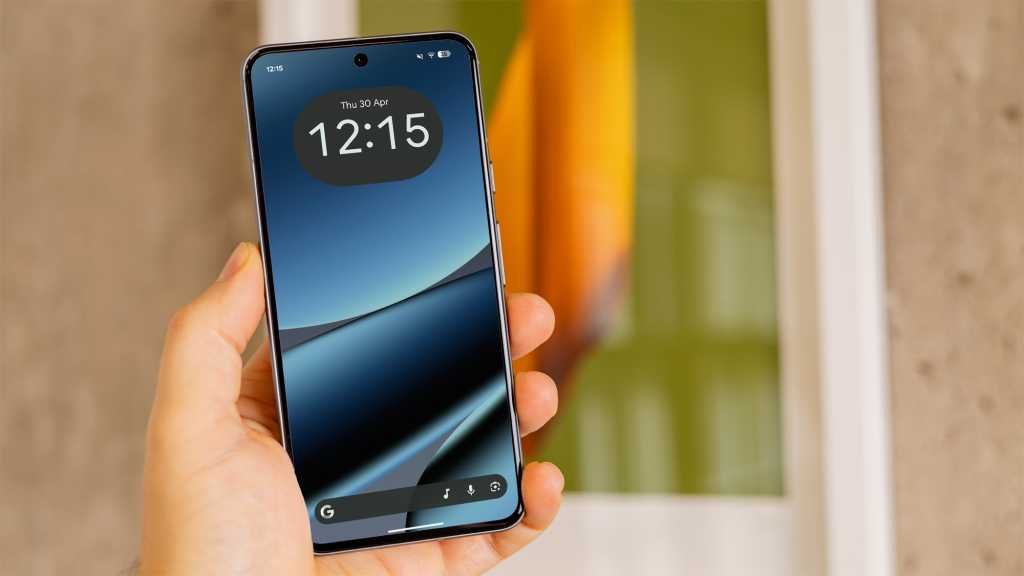
Prepare yourselves, as Android 17 is on its way to revolutionize Google’s mobile operating system. With four public betas already available for Pixel 6 and newer devices, the final release could be just around the corner, possibly arriving in June.
While Android 17 is expected to bring incremental updates, there are already some exciting features that users can enjoy. These include separate Wi-Fi and mobile data toggles in quick settings, the ability to remove app labels on Pixel devices, and a dedicated volume slider for virtual assistants like Gemini.
However, amidst these positive changes, there is one area that seems to have been neglected by Google – widgets. As a fan of widgets for their convenience and usefulness, I have found Google’s first-party widgets on Pixel phones to be lacking in design and functionality. Despite the large display of the Pixel 10 Pro XL, the home screen can feel cluttered and unappealing due to the dated and confusing widget designs.
Widgets play a crucial role in providing quick access to information at a glance, but Google’s widgets fall short in terms of aesthetics and usability. The stock Pixel Weather widget offers limited options, while clock and calendar widgets lack creativity and practicality. Even the Digital Wellbeing widget fails to deliver a visually appealing and informative experience.
In contrast, Samsung’s One UI demonstrates what can be achieved with thoughtful widget design. The widgets on Samsung devices, such as the dual clock widget and weather widget, are visually appealing and functional. The calendar widget offers a perfect balance of compactness and information, while the Digital Wellbeing widget is sleek and intuitive.
The lack of attention to detail in Google’s widgets is a missed opportunity for Pixel users. While third-party apps may offer better widget options, it is frustrating for users who prefer Google’s stock apps to have to rely on external sources for quality widgets.
Widgets may seem like a small aspect of the user experience, but they can significantly impact the overall look and feel of a device. Google should prioritize improving its widget designs to enhance the user experience on Pixel phones. Unless significant changes are made in the final release of Android 17, users may continue to look to other brands, like Samsung, for superior widget experiences.
In conclusion, the importance of well-designed widgets should not be underestimated. As a daily user of widgets, the lackluster offerings from Google have led me to consider alternative options for a more visually pleasing and functional experience. Google’s focus on improving widget design in future updates will be crucial in retaining users and enhancing the overall user experience on Pixel devices.