
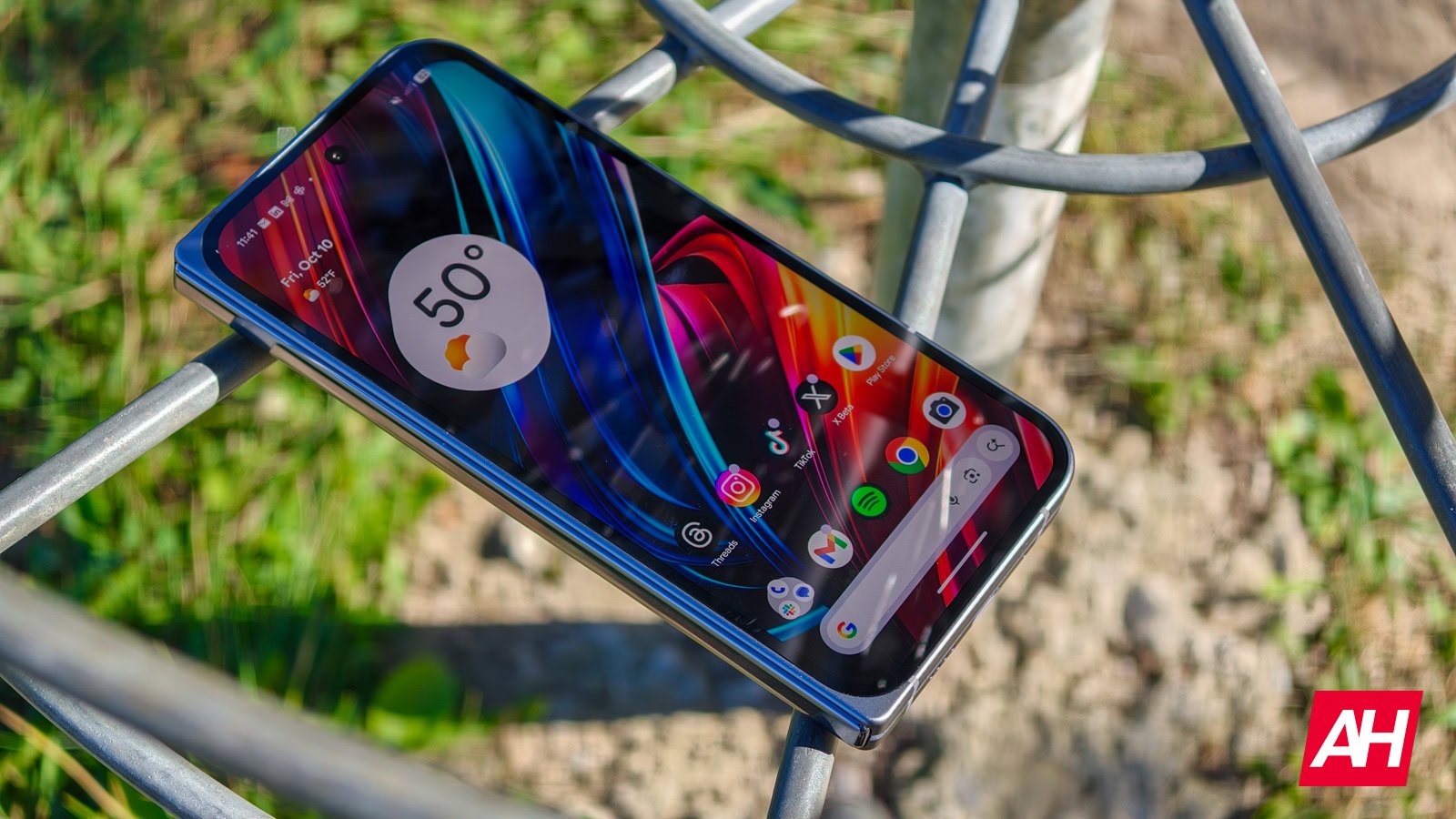
Google’s Pixel Weather app has received a significant update, introducing a fresh design for its weather icons. The new look features bold colors and clean outlines, aimed at enhancing contrast and clarity for users. This update also makes the icons more accessible, particularly for individuals with low vision.
The latest version of the Pixel Weather app, numbered 1.1.20251230.875325825, brings redesigned weather icons that boast a more vibrant color palette. Google has done away with the gradient designs, opting for a simpler yet more eye-catching approach. Despite the color changes, the shapes of the weather icons remain familiar, making it easy for users to adapt to the new look.
In addition to the revamped icons, the Pixel Weather app’s user interface elements are also receiving updates to align with the new high-contrast design. These changes extend to the app’s widget as well, ensuring a cohesive visual experience throughout.
Beyond the visual enhancements, the latest update also introduces functional improvements to the app. Users can now manage their list of saved locations more efficiently with the addition of new buttons. Instead of relying on long-pressing and dragging to rearrange cities, users can now simply tap on the up or down arrows to move locations within the list or remove them altogether.
While the Pixel Weather app continues to evolve and improve, Android users may notice changes to the Weather app on their devices. Reports suggest that Google is replacing the full-screen Weather report interface with generic web search results when users tap on the Weather homescreen shortcut. This shift highlights Google’s ongoing efforts to streamline its weather-related services across different platforms.
Overall, the recent update to the Pixel Weather app brings a fresh look to its icons and user interface elements, enhancing both visual appeal and functionality for users. With continued updates and improvements, Google’s weather apps are poised to offer a seamless and user-friendly experience for all users.