
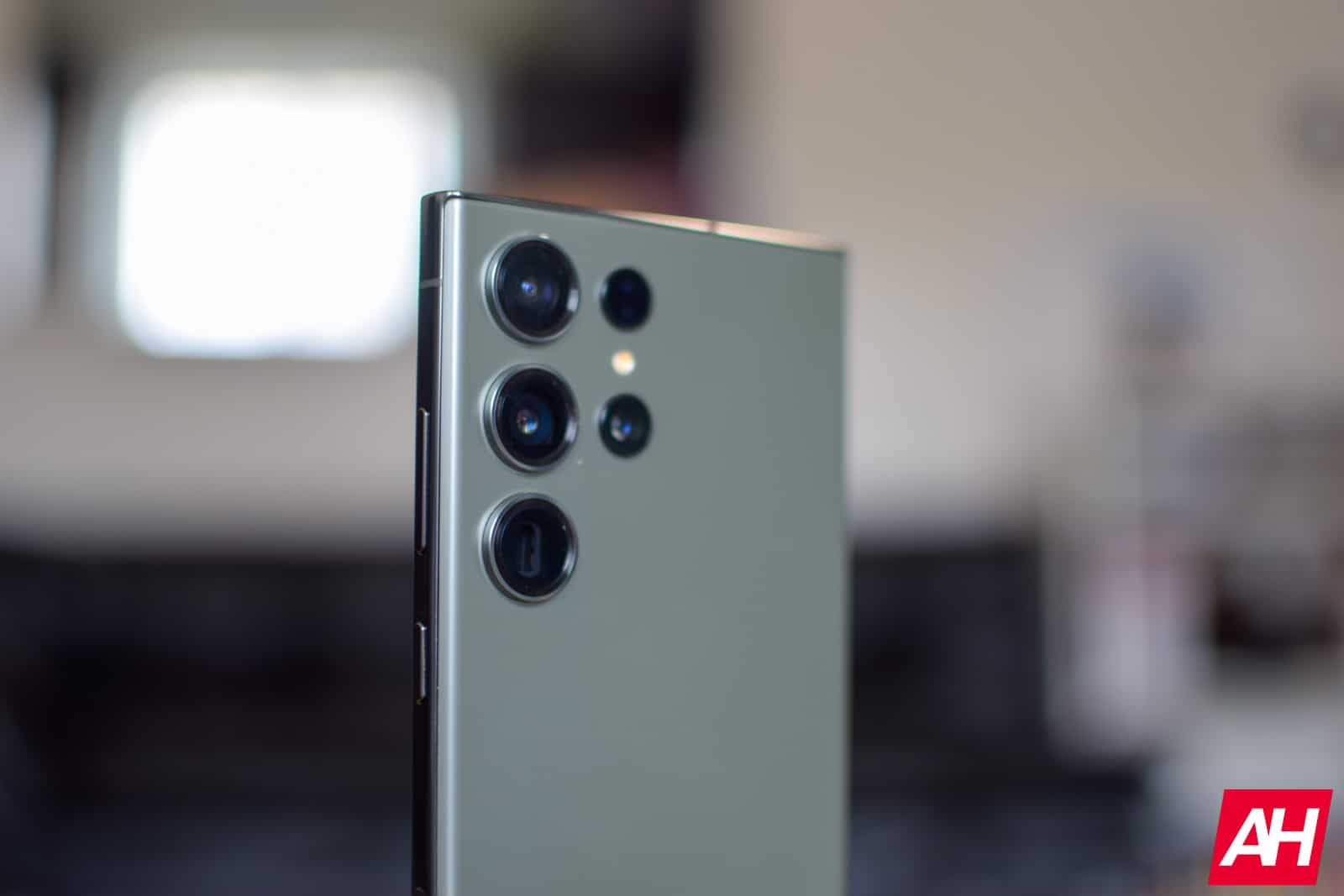
Samsung has recently launched the One UI 8.5 update for the Galaxy S23 series in multiple regions after its initial release in South Korea. The update, which is now available for the Galaxy S23, Galaxy S23+, and the Galaxy S23 Ultra in the US, Europe, and India, is based on Android 16 QPR2. It is expected to roll out to other regions soon.
The One UI 8.5 update is quite substantial, with a file size of approximately 4GB for non-beta users and around 300MB for beta users. Users are advised to ensure their phone has at least 30% battery life and is connected to a stable Wi-Fi network before initiating the update process.
To check for the update on your Galaxy S23 device, simply go to Settings > Software Update and click on Download and Install. If the update is available, it will start downloading automatically. Once the download is complete, tap on Install now to begin the installation.
In addition to the Galaxy S23 series, Samsung is also rolling out the One UI 8.5 update to the Galaxy Z Fold 5 and Flip 5 in the US. The firmware versions for these devices are F946USQU7GZE3 and F731USQU7GZE4, respectively.
The One UI 8.5 update brings a host of new features and customization options. It includes updates to stock One UI apps, home screen and lock screen customization options, an enhanced Bixby experience with natural language understanding, and Perplexity integration for relevant web information. The update also introduces partial screen recording, allowing users to select specific areas for capture.
Other notable features of the update include continuous image generation in the Galaxy AI-powered Photo Assist image editor, three new portrait filters for the camera, weather background effects for the alarm screen, a timezone converter in the Clock app, new animated wallpapers, and additional lock screen clock widget font styling options. The Quick Panel has also been enhanced for more customization, allowing users to add or remove shortcuts and resize toggles.
Furthermore, the update includes features like Storage Share, Auto Hotspot, shortcuts for favorite Smart View devices, and more. It offers a comprehensive upgrade to the user experience on Samsung devices.