
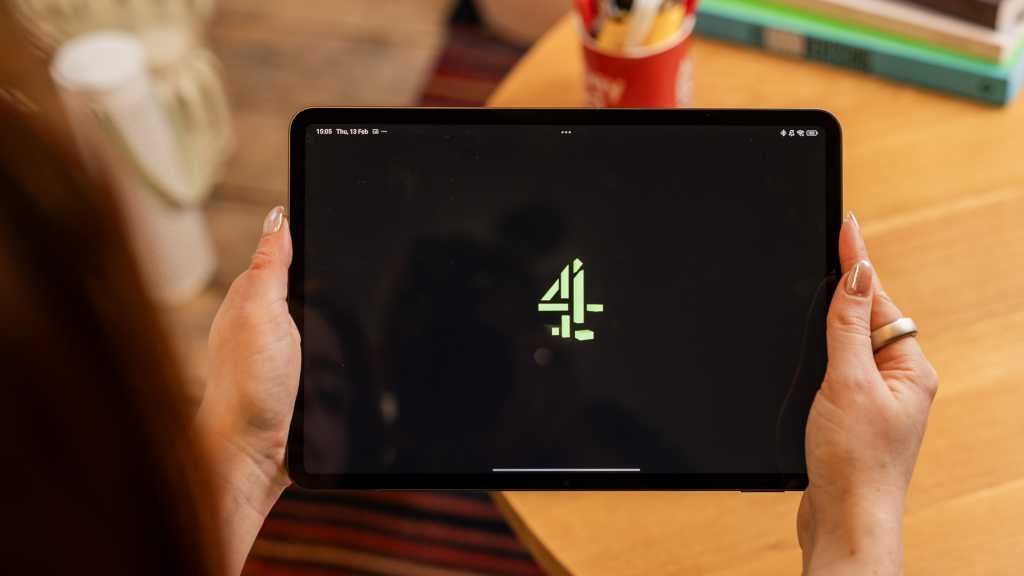
Streaming content from Channel 4, E4, More4, Film4, and 4Music is now available on the Channel 4 streaming hub, previously known as All 4.
Unfortunately, Channel 4 is restricted to viewers within the UK due to licensing issues. This can be inconvenient for those traveling abroad or living outside the UK who want to keep up with their favorite shows. Notable programs this month include the Taskmaster season 19 finale and the F1 British Grand Prix.
However, there are solutions to access Channel 4 from outside the UK. One effective method is using a VPN (virtual private network) to mask your location and access the Channel 4 website. NordVPN is a reliable option known for its speed and affordability.
After selecting a VPN service, install it on your device and follow these steps:
- Tools required: NordVPN, Channel 4 website or app, smartphone or PC/laptop
Sign up for NordVPN
Choose a subscription plan and create a new account on the NordVPN website.
Install NordVPN
Download the NordVPN app on your PC or mobile device from the official website or app store.
Connect to a UK server on your chosen VPN
Select a UK server on the VPN to access Channel 4 content.
On the sign-in page, select ‘I don’t have an account and I’d like to register’
Register for a new Channel 4 account using your email address and password.
Choose an email address and password for your account
Create a free Channel 4 account with your email and password.
Add a name, date of birth, and UK address
Provide your personal details and a UK address to complete the account setup.
Search for the show you want to watch
Search for the desired show on Channel 4 and disable any ad-blockers to ensure smooth streaming.
Remember to disable ad-blockers and try different UK servers if you encounter any issues with connectivity. While using VPNs to access Channel 4 content is effective, it may violate the platform’s terms and lead to potential account blocks.
During testing, we experienced loading issues with the Channel 4 app on iOS while abroad. To overcome this, sign in through a web browser for seamless streaming. Patience may be required as the video loads.