
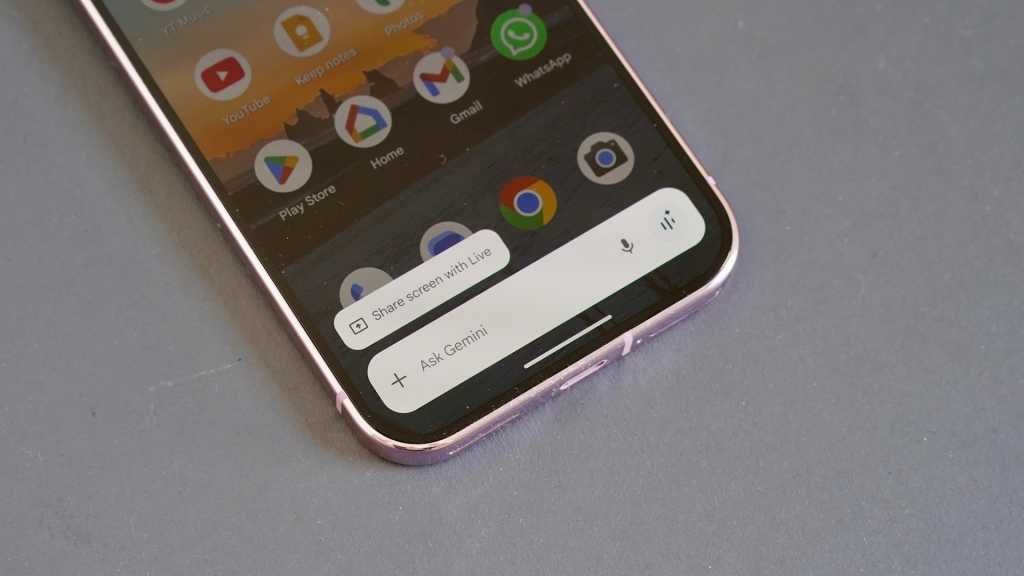
Google Gemini is becoming increasingly popular, appearing as a chatbot that can operate in a browser or on any smartphone. Whether you need to quickly put together a travel itinerary or a grocery list, Gemini is there to assist you.
If you own a new Android device like the Google Pixel 10 Pro, chances are that Gemini comes pre-installed. This AI-powered assistant excels at providing tips and tricks to enhance your productivity.
One of the standout features of Gemini is its ability to create custom wallpapers, ringtones, and profile images while also managing battery life, Do Not Disturb settings, and daily reminders effortlessly. Let’s delve into eight essential prompts that can transform your Android phone into a productivity powerhouse through AI-powered customization and management features.
- Create a custom ringtone
- Prompt to use: "Create a ringtone that sounds like a mix of Fleetwood Mac and Nirvana."
- By leveraging Gemini’s music creation capabilities, you can request a unique ringtone that reflects your style. The AI assistant guides you through setting the new ringtone, ensuring that your phone stands out with a personalized touch.
- Find a destination and start navigation
- Prompt to use: "Find my closest library and open Google Maps to get there."
- Gemini seamlessly integrates with Google Maps to help you locate and navigate to your desired destination. This functionality streamlines the process of finding locations and initiating navigation, enhancing your overall experience.
- Use the "do not disturb" feature
- Prompt to use: "Enable do not disturb mode."
- Enabling the "do not disturb" mode can significantly boost your productivity by minimizing distractions. Gemini simplifies the process of activating this feature, allowing you to focus on tasks without interruptions.
- Make the battery last longer
- Prompt to use: "Turn on battery saving mode."
- Gemini assists in optimizing your device’s battery life by enabling power-saving mode and providing valuable tips on managing battery usage efficiently. This prompt ensures that your phone remains operational for extended periods, enhancing your productivity.
- Set up your daily reminders
- Prompt to use: "Set a reminder at 5pm each day to do my shoulder routine."
- Managing reminders can be a tedious task, but with Gemini, you can effortlessly schedule daily reminders for various activities. This feature allows you to customize reminders based on your specific needs, enhancing your organizational skills.
- Create a new profile photo for your phone
- Prompt to use: "Create a brand new profile image of me."
- Personalize your device by creating a new profile image with Gemini’s assistance. While the AI cannot directly set the image as your profile picture, it provides step-by-step instructions on how to do so, adding a personal touch to your device.
- Learn about new features in Live mode
- Prompt to use: "Explain what the settings on my screen can do."
- Engage with Gemini in Live mode to receive real-time guidance on navigating and understanding your device’s settings. This interactive feature enhances your knowledge of your phone’s functionalities, making it easier to utilize its capabilities effectively.
- Create a new wallpaper
- Prompt to use: "Create a new wallpaper that shows an inspiring scene."
- Elevate your device’s aesthetics by requesting a custom wallpaper through Gemini. By following the AI’s instructions, you can set a captivating wallpaper that motivates and inspires you each time you unlock your phone.
In conclusion, Google Gemini offers a range of features that can transform your Android phone into a productivity powerhouse. By leveraging AI-powered customization and management capabilities, you can enhance your user experience and streamline various tasks with ease. Embrace the potential of Gemini to personalize your device and boost your productivity effectively.