
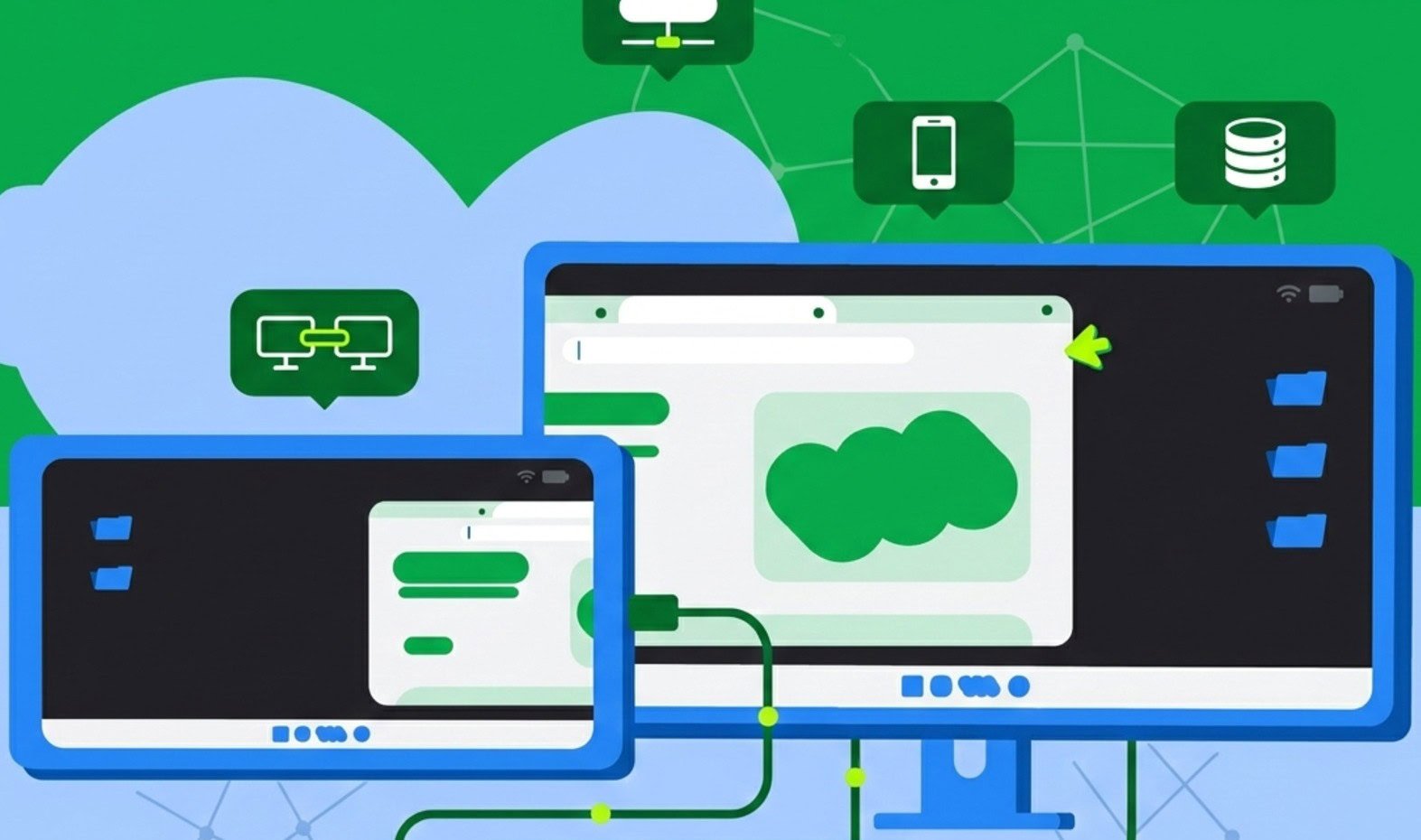
In the realm of technology, the divide between mobile and desktop computing has long been vast. Smartphones were reserved for quick tasks, while laptops were deemed necessary for more substantial work. However, with the recent release of Android 16 QPR3 on select Pixel phones, Google is bridging this gap by introducing a native desktop mode. This mode transforms your smartphone into a multitasking powerhouse when connected to external displays.
The premise is simple: connect your phone to an external monitor using a USB-C connection, pair a Bluetooth keyboard and mouse, and unlock a full desktop environment. Instead of merely mirroring your phone screen, you are greeted with a dedicated workspace featuring a taskbar, pinned apps, and the ability to run multiple windows simultaneously.
Android 16 QPR3 Desktop Mode introduces native windowing capabilities and taskbar support. This new desktop environment allows for “free-form” windowing, enabling users to resize, overlap, and move apps just like they would on traditional desktop operating systems. One standout feature is the independence of screens, allowing users to work on tasks on a larger monitor while keeping their phone display free for calls or messages.
For users of tablets like the Pixel Tablet or Samsung Galaxy Tab series, the experience is taken even further. Connecting these devices to a monitor extends the workspace across both displays, facilitating seamless movement of windows and cursors between screens.
While Samsung users have had a similar experience with DeX since 2017, the integration of desktop mode into the Android core marks a significant development. Google’s collaboration with partners like Samsung ensures a consistent desktop windowing experience across the Android ecosystem.
The move towards a unified platform merging the best of Android and ChromeOS is part of a broader strategy. While not all apps are optimized for a desktop layout yet, the trajectory towards a unified platform becomes clearer with each update.
The feature is currently rolling out to Pixel 3 and newer devices as part of the March 2026 Pixel Drop. Pixel devices, being the first to receive Android updates, have exclusive access to this stable release. As other manufacturers integrate Android 16 QPR3 into their software in the coming months, we can expect desktop mode to become a standard feature across high-end Android devices.
In conclusion, the introduction of Android 16 QPR3 Desktop Mode is a game-changer in the world of mobile computing. As smartphones evolve to offer desktop-like experiences, the line between mobile and desktop computing continues to blur, bringing us closer to a seamless digital experience.