
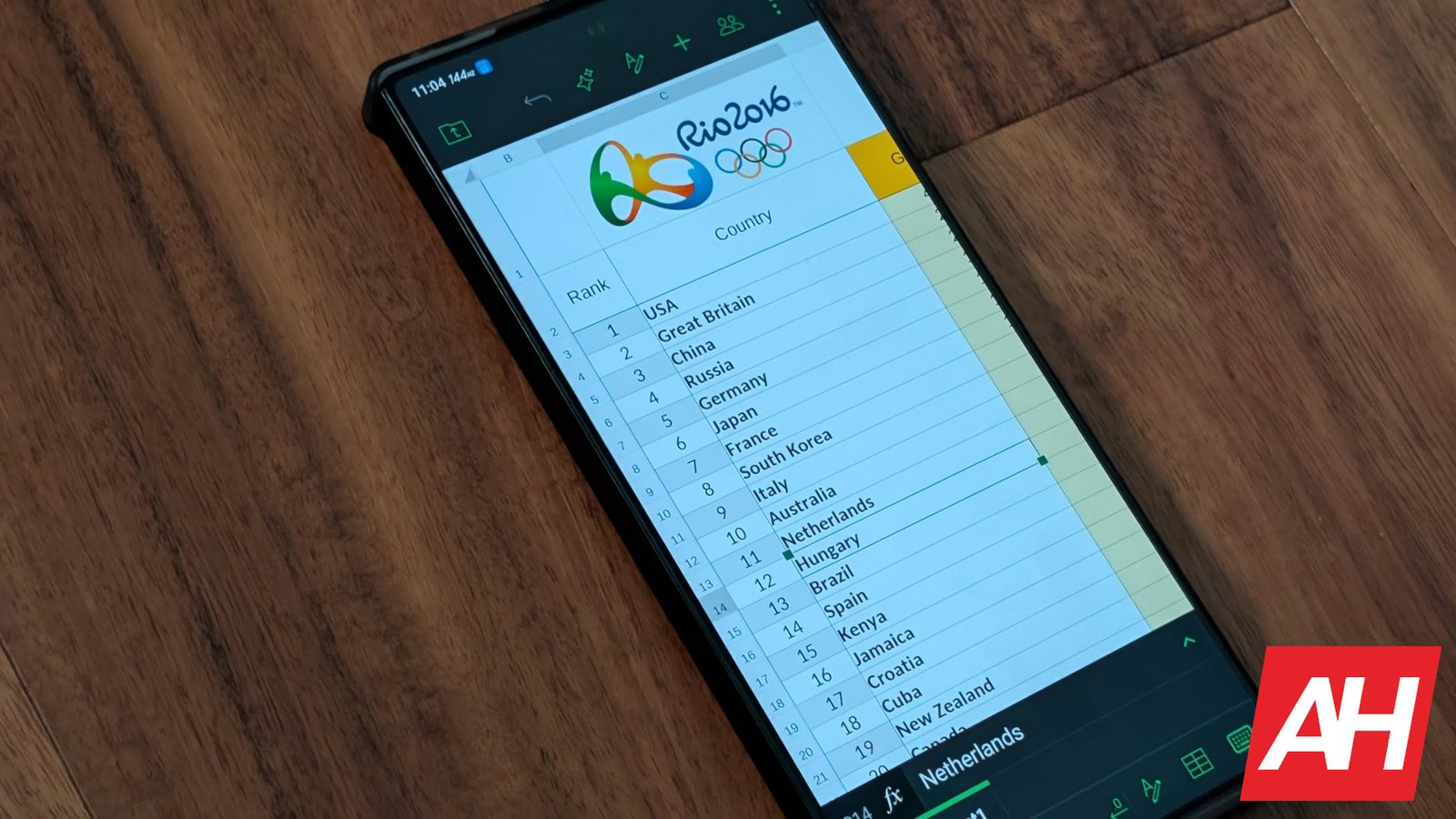
ONLYOFFICE is an exceptional document application available for Android that offers a comprehensive office suite alternative for free. Developed by Latvian software company Ascensio System SIA, ONLYOFFICE has been serving companies like Fujitsu and Oracle, as well as various government agencies, since its inception in 2010. With a wide range of features, including text document, spreadsheet, and presentation creation and editing, font and format editing options, cloud storage integration, offline editing capabilities, an AI Assistant, and collaboration features like file sharing with customizable access levels, ONLYOFFICE stands out as a powerful office suite tool.
One of the key features of ONLYOFFICE is its robust editing capabilities for documents, spreadsheets, and presentations. Users can easily customize font styles, colors, sizes, and more, enhancing the visual appeal of their work. The app also offers options for format changes, bullet points, numbers, text direction alterations, and line spacing adjustments, providing users with a versatile editing experience. Additionally, users can import external documents into ONLYOFFICE for seamless editing, ensuring compatibility and convenience.
The AI Assistant feature in ONLYOFFICE offers advanced capabilities for content creation and enhancement. Users with API keys can leverage the AI Assistant for tasks like generating documents, rewriting text, generating ideas, and checking for grammar and spelling errors. While this feature requires an API key from AI tools like Google AI or OpenAI, it can significantly enhance productivity and content quality for users.
Cloud integration is a crucial feature of ONLYOFFICE, allowing users to work on documents and spreadsheets directly from cloud storage services like Dropbox or Google Drive. While the app offers seamless integration with cloud accounts, some users may encounter issues with verification processes. Despite potential challenges, cloud integration enhances workflow efficiency and accessibility for users working on the go.
Collaboration features in ONLYOFFICE enable users to share and co-edit documents with ease. With customizable access levels and real-time collaboration capabilities, users can collaborate effectively with team members while maintaining control over document permissions. This feature is particularly beneficial for large teams working on projects that require secure and efficient document sharing.
The user interface of ONLYOFFICE is intuitive and user-friendly, featuring a clean design with easy access to essential tools and functions. The app’s layout resembles popular office suite tools like Google Docs and Microsoft Office, offering a familiar experience for users. Overall, ONLYOFFICE provides a comprehensive and user-friendly office suite alternative that is ideal for students, professionals, and anyone seeking a free and feature-rich productivity tool.
In conclusion, ONLYOFFICE offers a compelling alternative to traditional office suite applications, with a range of features that cater to diverse user needs. Despite minor limitations like connectivity issues and occasional input lag, ONLYOFFICE remains a valuable tool for users looking for a free and powerful office suite solution. Whether you’re a student, a professional, or a casual user, ONLYOFFICE is worth considering for your document creation and editing needs.