
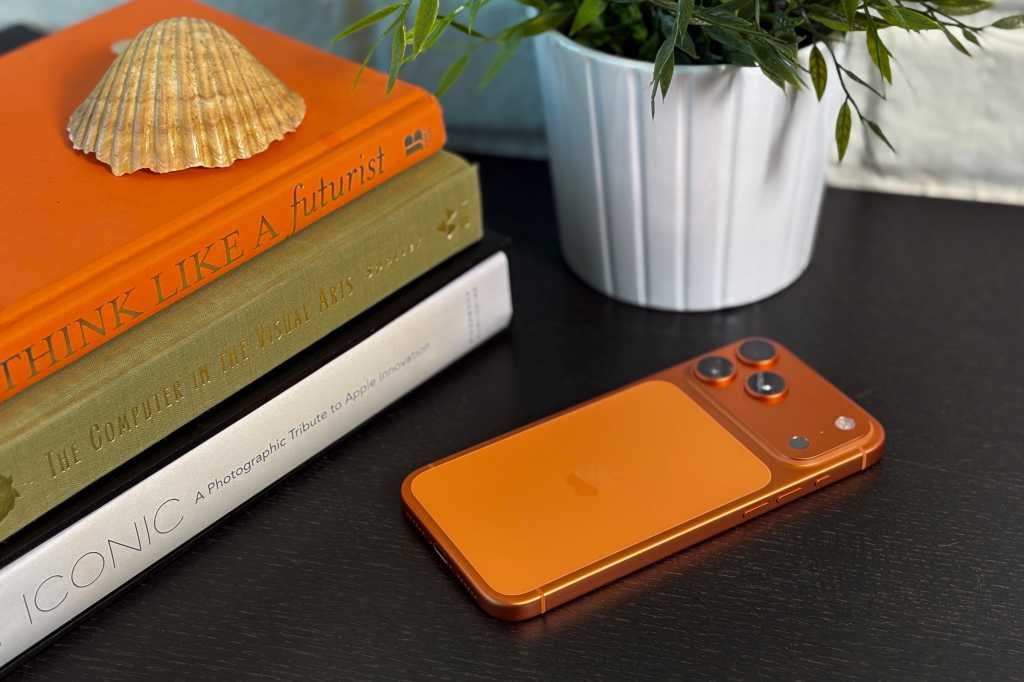
The iPhone 17 series from Apple is making waves with its bold features and design. From the base iPhone 17 to the iPhone Air and the Pro and Pro Max models, each device offers unique capabilities and enhancements. Paired with the latest iOS 26 user experience, these iPhones are setting new standards in the smartphone industry.
For those upgrading to the iPhone 17 series or new users, Tech Advisor provides essential optimization tips to make the most of these devices. From battery health to security and photography enhancements, there are key recommendations to enhance the user experience. Setting charge limits, disabling Control Centre on the lock screen for theft protection, and upgrading video settings to 4K are just a few of the tips shared.
The new iOS 26 features, such as Spatial Scenes, ChatGPT integration, and customizable lock screen clocks, offer enhanced user experiences across all iPhone 17 models. These features bring a fresh look and feel to the iOS interface, making it more interactive and engaging for users.
Customizing the lock screen clock, enabling Spatial Scenes on the lock screen, and using Spatial Scenes in Photos are some of the new features that users can explore. Additionally, optimizing haptic touch settings, utilizing hidden keyboard shortcuts, and disabling Control Centre on the lock screen are other tips to improve the user experience.
Enabling Adaptive Power Mode, turning on Vehicle Motion Cues, and setting a custom ringtone are additional features that users can benefit from. By making small tweaks and adjustments to the settings, users can enhance their overall experience with the iPhone 17 series.
With the iPhone 17 series, Apple continues to push boundaries and deliver innovative features that cater to the needs of modern smartphone users. By following these optimization tips and exploring the new iOS 26 features, users can unlock the full potential of their iPhone 17 devices and enjoy a seamless and personalized user experience.