
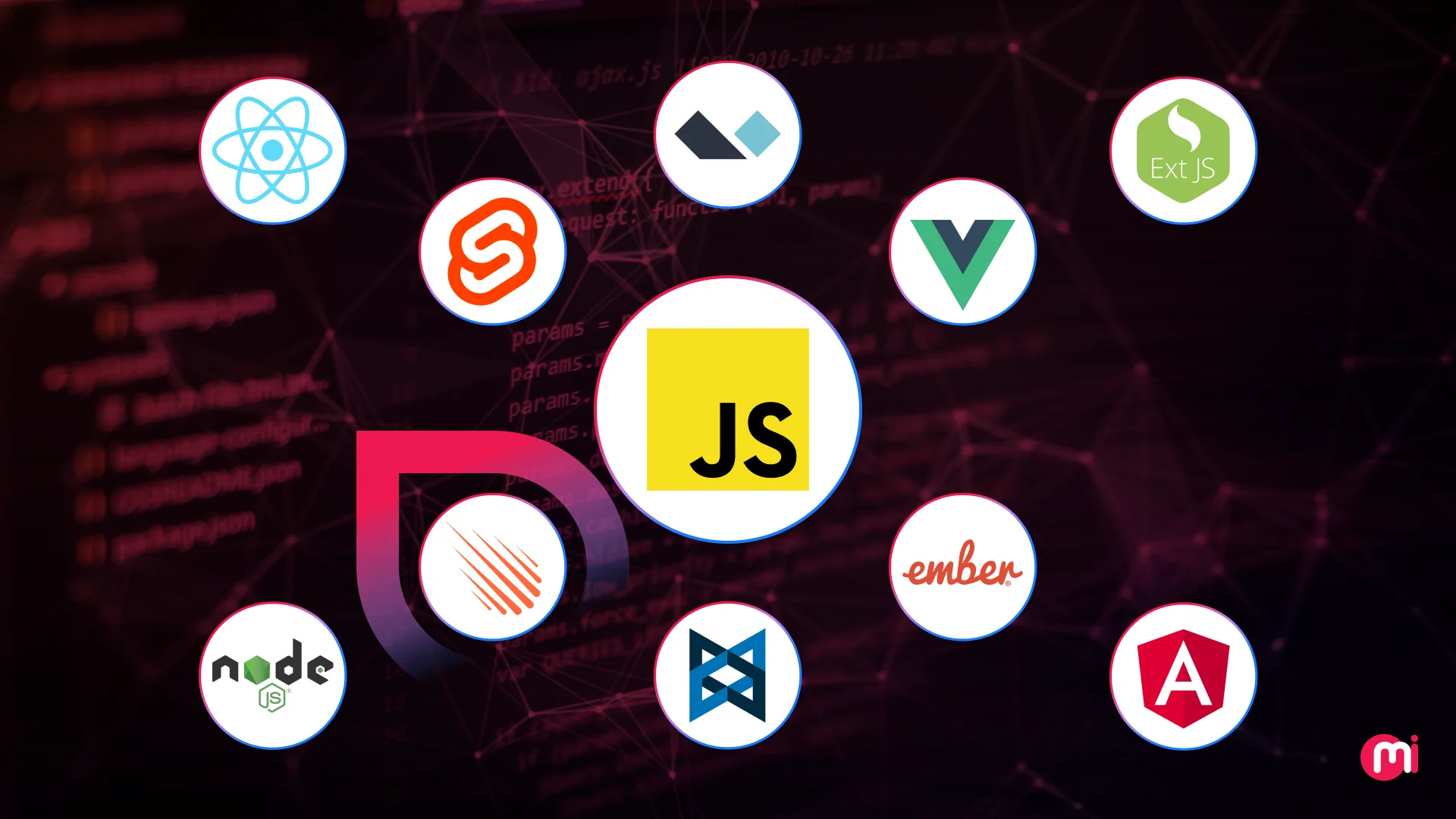
Frontend tech decisions are crucial for teams managing extensive code and numerous users, as they come with real operational risks. These risks include vendor lock-in, talent shortages, and scalability issues. Choosing a JavaScript framework without considering these risks can be detrimental. To aid in making an informed decision, a curated list of the best JavaScript frameworks has been put together. This list includes insights on key features, pros, cons, and more for the most popular JavaScript frameworks.
Selecting a JavaScript framework that the entire development team can rely on for an extended period is vital. A wrong decision could lead to technical debt, hiring bottlenecks, or wasted rebuilds. It is essential to deliver quickly, remain flexible, and scale efficiently while selecting a top JavaScript framework.
There are numerous JavaScript frameworks available, each claiming to be “lightweight,” “scalable,” or “developer-friendly.” Some of the most popular ones include Angular, React, Meteor, Svelte, and more. It’s crucial to choose a framework that fits your specific context rather than going with what is popular.
The stakes are higher than ever when it comes to budget, performance, and team velocity. Thus, it is essential to carefully evaluate each JavaScript framework to determine which one aligns best with your product, team, and growth stage.
What is a JavaScript framework?
A JavaScript framework is a pre-written, structured collection of JavaScript code that developers use to efficiently build web applications. It provides a foundation and standardized patterns for developing front-end (and sometimes back-end) apps, eliminating the need to reinvent the wheel with each new project.
Top 10 JavaScript Frameworks
The top ten JavaScript frameworks include Angular, Vue, React, Meteor, Stelve, Ext.js, Node, Backbone, Alpine, and Ember. Whether you are building a lean MVP, a scalable enterprise platform, or something in between, exploring these popular JavaScript frameworks will help you find the tool that best fits your context.
1. Angular
Angular is a full-featured, opinionated JavaScript framework designed for developing single-page applications and scalable enterprise web applications. Created by Google, Angular is based on TypeScript and offers a comprehensive set of tools for Angular developers, including routing, state management, and form handling.
Key Features of Angular:
– Component-based architecture
– Two-way data binding
– TypeScript-first development
– Built-in dependency injection
– Angular CLI for scaffolding and tooling
– Robust form handling
– RxJS-powered reactive programming
– Integrated router and HTTP client
Pros of Angular:
– All-in-one, full-featured framework
– Enforces scalable architecture for large apps
– TypeScript support enhances code quality
– Simplifies development with automatic data synchronization
– Performance optimization with lazy loading and AOT compilation
– Enterprise-level support and documentation
– Streamlines development workflow with Angular CLI
– Backed by Google with long-term maintenance
– Built-in testing infrastructure
Cons of Angular:
– Steep learning curve
– Verbose and boilerplate-heavy
– Slower startup time for small apps
– Complex build and configuration setup
– Less flexible for lightweight projects
– More rigid due to its opinionated structure
– SEO and accessibility limitations
2. Vue.js
Vue is a progressive JavaScript framework for building flexible and maintainable user interfaces. Created by Evan You, Vue combines the simplicity of AngularJS with the flexibility of React, making it an incremental adoptable framework suitable for small widgets or full SPAs.
Key Features of Vue.js:
– Reactive data binding
– Declarative rendering with directives
– Component-based architecture
– Virtual DOM
– Composition API
– Vue Router and Pinia for SPA state and routing
– TypeScript support
– Built-in transition system for animations
Pros of Vue.js:
– Gentle learning curve with clear documentation
– Highly flexible and modular
– Straightforward and intuitive syntax
– Seamless integration with existing projects and tools
– Large active community and ecosystem
– Detailed and well-structured documentation
Cons of Vue.js:
– Smaller community compared to React and Angular
– Limited adoption in large-scale enterprise applications
– Flexibility can lead to inconsistent architecture
– Challenges in performance and scalability for large-scale applications
– Less corporate backing
-Companies using VueJS are Facebook, Netflix, Adobe, Grammarly, Alibaba, Xiaomi, WizzAir, and more.
3. React
React is a declarative JavaScript library for building user interfaces at any scale. Developed by a Facebook software engineer, React introduced a new paradigm for UI development with its component-based architecture and virtual DOM, making it the de facto standard for modern web applications.
Key Features of React:
– Component-based architecture
– Virtual DOM for fast UI updates
– Declarative rendering
– One-way data binding
– JSX syntax
– React Hooks for functional components and state
– Strong ecosystem
– Server-side rendering support
– Massive third-party component ecosystem
Pros of React:
– Huge active community and mature ecosystem
– Extremely flexible and framework-agnostic
– Used by many Fortune 500 companies
– Reusable component model improves maintainability
– Seamlessly integrates with other tools and libraries
– Great performance for complex UIs
– Works across web and native mobile platforms
– Rich dev tools and large hiring pool
Cons of React JS:
– Not a full framework; needs additional libraries for routing, state, etc.
– JSX can be off-putting to some new developers
– Frequent updates may introduce breaking changes
– Possibility of code bloat in large and complex apps
– Outdated or incomplete documentation
– Lack of standard approaches due to fragmented ecosystem
Companies that have leveraged React for creating modern web apps include Meta, PayPal, Amazon, and more.
4. Meteor.js
Meteor JS is a full-stack JavaScript platform for building real-time web, mobile, and desktop applications using JavaScript for both front-end and back-end development. It simplifies building real-time applications with integrated client and server communication, database management, and reactive front end.
Key Features of Meteor JS:
– Full-stack platform
– Real-time data updates
– JavaScript end-to-end
– Built-in account and authentication system
– Built-in build tools
– Integrated with MongoDB and DDP
– Cross-platform mobile support
– Support for server-side rendering and GraphQL
Pros of Meteor:
– Extremely fast for prototyping and MVPs
– Real-time data sync out-of-the-box
– One programming language for frontend and backend
– Strong developer productivity with built-in tools
– Seamless integration with MongoDB
– Active open-source support
– Built-in accounts system
Cons of Meteor js:
– Tightly coupled architecture can limit flexibility
– Performance issues at large scale
– Less active community compared to other frameworks
– Fewer modern enterprise use cases
– MongoDB dependency limits backend options
– Some legacy components are considered outdated
Companies that have benefited from using Meteor for creating applications include Flowhub, Forage, Qualia, CodeSignal, Rocket.chat, and more.
5. Backbone.js
Backbone JS is a lightweight JavaScript library with framework-like features that introduced structure to early single-page applications. It offers models, views, collections, and routers for better separation of concerns and client-side routing.
Key Features of Backbone JS:
– Lightweight and minimal
– MVC-inspired architecture
– Event-driven communication
– RESTful JSON syncing
– Integrates with Underscore.js and jQuery
– Client-side navigation
– Flexible and unopinionated
Pros of Backbone:
– Easy to get started and integrate with existing apps
– Lightweight with minimal dependencies
– Encourages clean separation of concerns
– Ideal for small apps or legacy code maintenance
– Gives developers full control over app architecture
– Integrates well with RESTful APIs
Cons of Backbone js:
– Steeper learning curve
– Requires boilerplate and manual data binding
– Lacks modern features like virtual DOM or reactive UI
– Sparse ecosystem and limited community activity
– Scalability challenges
– Maintenance complexity without strict conventions
6. Ember.js
Ember JS is a powerful, opinionated JavaScript web framework that follows a component-service pattern. It simplifies development with strong conventions, a built-in CLI, and a set of out-of-the-box tools, making it appealing for teams working on long-term projects.
Key Features of Ember.js:
– Established patterns and conventions
– Handlebars templating
– Glimmer rendering engine
– CLI tooling
– Two-way data binding
– Built-in data access library
– Built-in router, state management, and testing
– Internationalization support
Pros of Ember.js:
– Simplifies development with ember CLI
– Convention-over-configuration approach
– Built-in features like routing and state management
– Well-suited for complex, large-scale applications
– Strong ecosystem with Ember Addons
– Productive developer experience with the built-in CLI
Cons of Ember.js:
– Steeper learning curve
– Slower than lightweight frameworks
– Less flexible for customization
– Smaller community compared to other frameworks
– Slower initial performance
-Companies that have used Ember.js include TED, Netflix, LinkedIn, Square, Microsoft, Bustle, Heroku, and more.
7. Svelte
Svelte is a compiler-driven JavaScript framework that offloads work to build time for lightning-fast runtime performance. It compiles components into minimal, vanilla JavaScript, making it ideal for high performance, small bundles, and a simplified developer experience.
Key features of Svelte:
– Compiler-based framework
– No virtual DOM
– Integration via SvelteKit
– Compile-time optimization
– Built-in support for scoped CSS
– Built-in animations and transitions
– Built-in reactive system
Pros of Svelte:
– Less boilerplate code
– Improved runtime performance
– Smaller bundle sizes
– Easy learning curve
Cons of Svelte:
– Smaller community compared to React/Vue
– Opinionated syntax
– Less mature for large-scale enterprise yet
– Limited IDE support
Companies like Apple, Spotify, IKEA, Yelp, and more have used Svelte for performance gains and smaller bundles.
8. Alpine.js
Alpine.js is a lightweight JavaScript framework designed for adding interactivity to HTML with minimal overhead. It brings reactive simplicity to static HTML, making it ideal for simple interactions and small projects.
Key features of Alpine.js:
– Direct DOM manipulation
– Simple API
– Minimal footprint
Pros of Alpine.js:
– Fast and easy to work with
– Suitable for simple interactions
– Minimal learning curve
Cons of Alpine.js:
– Suitable only for small and medium-sized projects
– Lacks advanced features
– Smaller community compared to other frameworks
Companies like Laravel, Docker, Fiverr, Amasty, and more have leveraged Alpine.js for interactive web interfaces.
9. Ext.js
Ext.js is an enterprise-grade JavaScript framework for building complex, data-intensive web applications. It offers a comprehensive set of UI components, customization, theming, and advanced data handling features.
Key features of Ext JS:
– Extensive UI Component Library
– Customization and Theming
– Data Binding and Real-time Updates
– Responsive Design
– MVC Architecture
– Advanced Data Handling
– Enterprise-Grade Features
Pros of ExtJS:
– Rich set of UI components
– Prototype development is easier
– Zero compatibility issues
Cons of Ext.js:
– Steeper learning curve
– Evolving features
– Limited community
– Vendor lock-in
Companies like MGIS, Virtimo, Scheuring AG, Icube, and more have trusted Ext JS for their tech stack.
10. Node.js
Node.js is a high-performance JavaScript runtime that powers scalable server-side applications. It allows JavaScript to run outside the browser, primarily on the server side, enabling full-stack development with a single language.
Key features of Node.js:
– Asynchronous and event-driven architecture
– Built on Google Chrome’s V8 engine
– Cross-platform support
– Non-blocking I/O
– Rich ecosystem via npm
Pros of Node.js:
– Handles high traffic loads
– Enables full-stack development
– Large community and enterprise adoption
– Scalability and concurrency handling
– Fast performance with V8 engine
– Real-time capabilities
Cons of Node.js:
– Not suitable for CPU-intensive applications
– Callback hell
– Security vulnerabilities
– Complex error handling
– Requires careful error handling
In conclusion, choosing the right JavaScript framework is critical for the success of your web development project. Each framework has its strengths and weaknesses, so it is essential to evaluate them based on your specific needs and goals. By understanding the trade-offs and aligning your choice with your roadmap, you can select the best JavaScript framework that enables you to deliver value efficiently, sustainably, and at scale.